
Uploading product catalogs via flat files is a routine task for many e-commerce operations, yet one that is often prone to errors. Among the most frequent and frustrating issues is the cryptic “Feed Processing Failed” error. This message, though seemingly vague, typically signals deeper issues in data formatting, file structure, or system compatibility. Understanding what triggers this response is the first step toward preventing it.
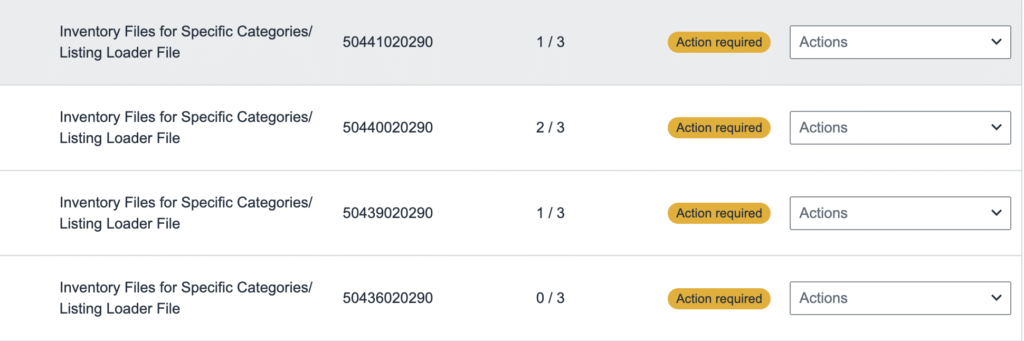
Common reasons behind flat file upload failures include mismatched column headers, invalid data types (such as text in a numeric field), or unsupported special characters. Even minor discrepancies like extra spaces or incorrect date formats can cause the entire feed to be rejected. These technical misalignments often stem from lack of standardization or manual file handling errors—making automation and validation processes even more critical.
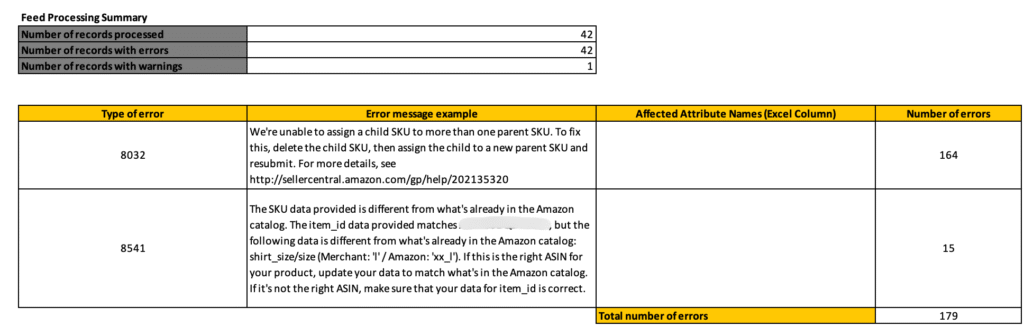
To minimize these issues, it’s essential to adopt a consistent file template and implement pre-upload validation checks. Leveraging integration tools or APIs that offer real-time feedback can significantly reduce errors and streamline the upload process. Ultimately, understanding the logic behind these system responses transforms a frustrating error into a valuable diagnostic tool—enabling more efficient catalog management and smoother operations.