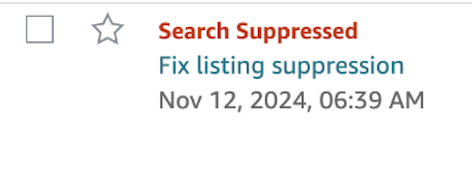
If your products are not appearing in Amazon search results and you’re seeing a “Search Suppressed” warning, it’s likely due to incomplete or incorrect listing details. Missing essential attributes such as product titles, images, brand names, or category information can cause Amazon to suppress the listing, making it invisible to customers. To resolve this, visit the “Manage Inventory” section in Seller Central, filter by suppressed listings, and update the required fields to bring your products back online.
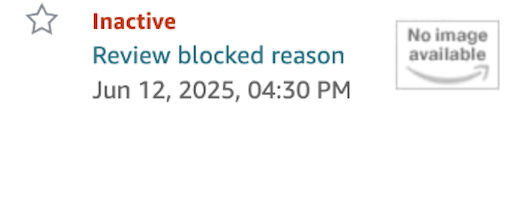
Other common issues like “Listing Error,” “Stranded Inventory,” “Listing Removed,” or “Inactive (Out of Stock)” can also disrupt your sales performance. Stranded inventory means your product has available stock but is no longer connected to an active listing, often due to ASIN mismatches or listing errors. A “Listing Removed” alert usually stems from policy violations or non-compliant content, while “Inactive” status is directly related to stock availability. Regularly monitoring your inventory, ensuring accurate product data, and staying compliant with Amazon’s guidelines are key to maintaining healthy listings and preventing disruptions in visibility or sales.
To fix hidden or inactive listings, start by regularly checking the “Manage Inventory” and “Listing Quality Dashboard” sections in Seller Central. Address any missing product attributes such as titles, images, or brand names, and resolve any policy violations promptly. For stranded inventory, use the “Fix Stranded Inventory” tool to relink your stock to active listings. Keeping your listings complete, updated, and compliant with Amazon’s guidelines is essential for maintaining visibility and generating consistent sales.
If the issue persists despite these efforts, it’s strongly recommended to open a case with Amazon Seller Support. This allows you to get a clear explanation of the underlying problem and receive tailored guidance to resolve it effectively—especially in more complex or system-related situations.